Skip to content

seesee75-commits /ComfyUI-MiniMaxH3-Director

Gives MiniMax H3 a ComfyUI timeline: shots, keyframes, audio
ComfyUI workflowGPL-3.0English README
Stars
305
30 days
0
Last push
today
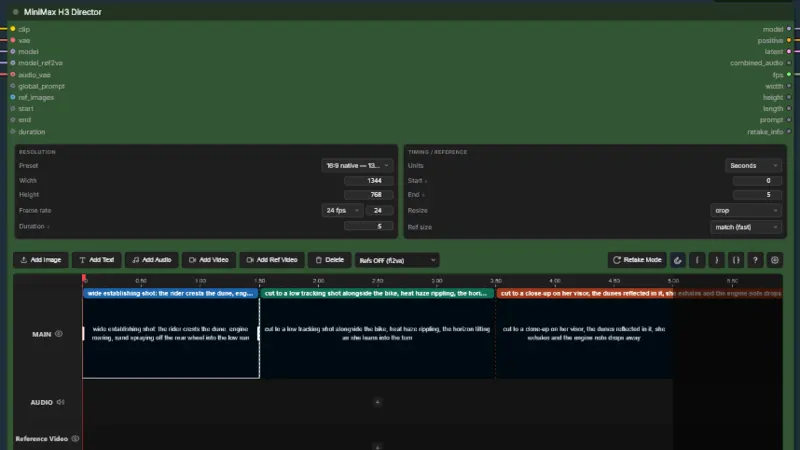
ComfyUI-MiniMaxH3-Director screenshot from its README
From the ComfyUI-MiniMaxH3-Director README on GitHub.

About ComfyUI-MiniMaxH3-Director

MiniMax H3 Director drops a timeline editor into ComfyUI for MiniMax H3 video. You drag images, video and music onto tracks, then write one prompt per shot. Prompts compile as you type, so you can read them before you render. A port of WhatDreamsCost's LTX Director, it needs about 60 GB of models.

Best for: Anyone already working in ComfyUI who wants shot-level control over MiniMax H3 video and audio.

What it does

  • Edits on a timeline with main, reference-video and audio tracks and a seconds ruler
  • Shows the compiled prompt, shot count, frame count and word count before you run
  • Keeps subject slots @ref1–@ref9 with reference kinds and retention markers
  • Adds five nodes, including Retake Stitch and Enhance Prompt
  • Regenerates a chosen range with Retake mode and splices it back into the video
  • Takes width, height, start, end and duration as connection-only inputs

Quickstart

Rewritten from the README. Check the repo for the latest steps.

  1. 1
    Install from ComfyUI Manager (search "MiniMax H3 Director"), or clone it: cd ComfyUI/custom_nodes then the command below.
    git clone https://github.com/seesee75-commits/ComfyUI-MiniMaxH3-Director
  2. 2
    Restart ComfyUI and hard-reload the browser tab (Ctrl+F5). There's nothing to pip install.
  3. 3
    Download the MiniMax H3 checkpoints, text encoder and VAEs from Comfy-Org/MiniMax-H3 into the matching ComfyUI/models/ folders, with no subfolders.
  4. 4
    Open the command below and fix any red nodes, usually the model dropdowns.
    example_workflows/MiniMax H3 Director.json
  5. 5
    Double-click a segment on the main track and type the shot. Drag an image onto the track for a first-frame anchor if you want one.
  6. 6
    Read the COMPILED PROMPT panel, then Run.

Models and languages

Models it works with

  • MiniMax H3
  • Qwen3-VL 32B
  • Ollama
  • LM Studio

Interface and docs

  • English

Alternatives

Other comfyui workflow projects people compare with ComfyUI-MiniMaxH3-Director.

nkxx188

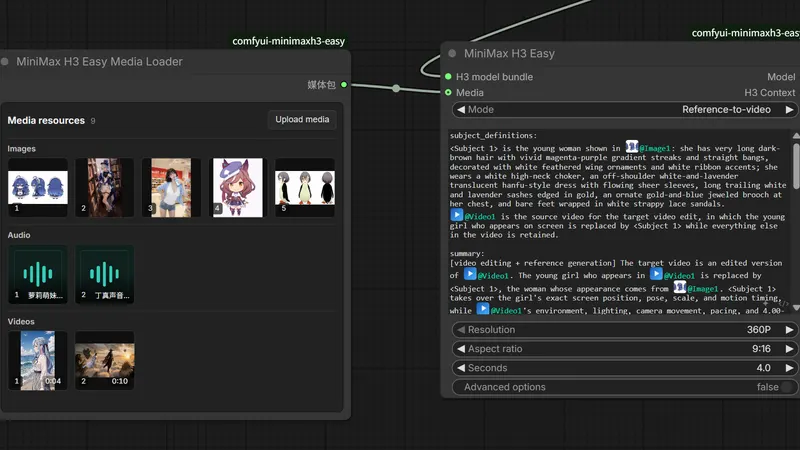
ComfyUI-MiniMaxH3-Easy

A few ComfyUI nodes for MiniMax H3 video, with less hand-wiring

ComfyUI workflow
  • MiniMax H3
  • Ollama
799 GitHub stars+1/30d3 days agoMIT
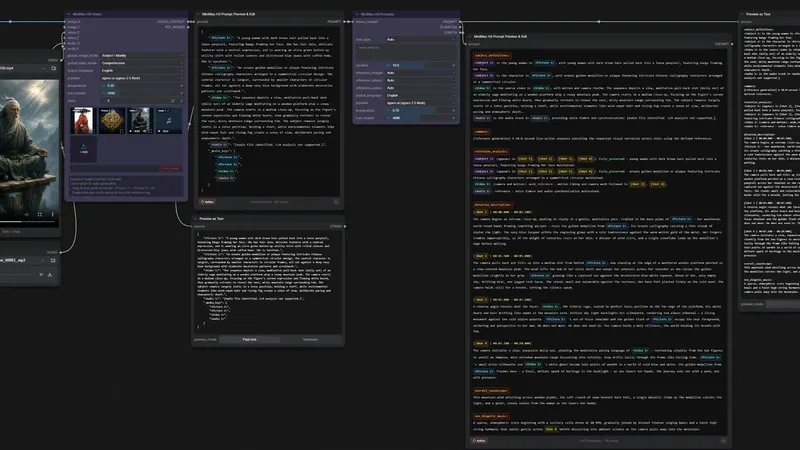
1038lab

ComfyUI-MiniMax-H3-Promptor

Writes MiniMax H3 video prompts from your images, video and audio

ComfyUI workflow
  • MiniMax H3
  • Claude
  • GPT-4o
  • +6
241 GitHub stars19 days agoGPL-3.0

Songssx

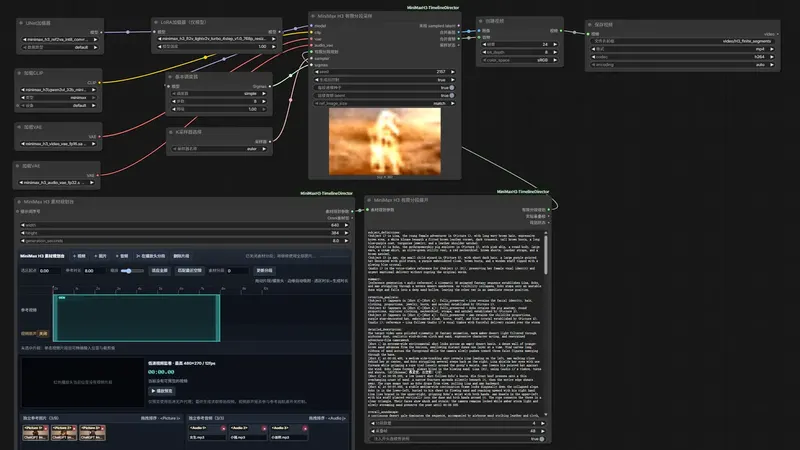
ComfyUI-MiniMaxH3-TimelineDirector

ComfyUI nodes for editing a reference-media timeline in MiniMax H3

ComfyUI workflow
  • MiniMax H3
547 GitHub stars+6/30d10 days agoGPL-3.0

Lightricks

ComfyUI-LTXVideo

Gives ComfyUI extra nodes and example workflows for the LTX-2 video model

ComfyUI workflow
  • LTX-2.3
  • LTX-2.5
  • LTX-2.0
  • +1
4.2k GitHub stars+4/30dyesterdayCustom license

Featured on OpenMicroDrama

Do you maintain ComfyUI-MiniMaxH3-Director? Add this badge to your README so English speakers can find our write-up.

Featured on OpenMicroDrama
markdown
[![Featured on OpenMicroDrama](https://openmicrodrama.com/badges/featured.svg)](https://openmicrodrama.com/projects/seesee75-commits-comfyui-minimaxh3-director)

The badge links to this page. Want your description changed? Email support@openmicrodrama.com.

Reviewed Oct 1, 2026. A port of WhatDreamsCost's LTX Director to MiniMax H3, not an original editor. We write these descriptions ourselves. The repo's own docs are the final word.