nkxx188
ComfyUI-MiniMaxH3-Easy
A few ComfyUI nodes for MiniMax H3 video, with less hand-wiring
ComfyUI workflow
- MiniMax H3
- Ollama
799 GitHub stars+1/30d3 days agoMIT
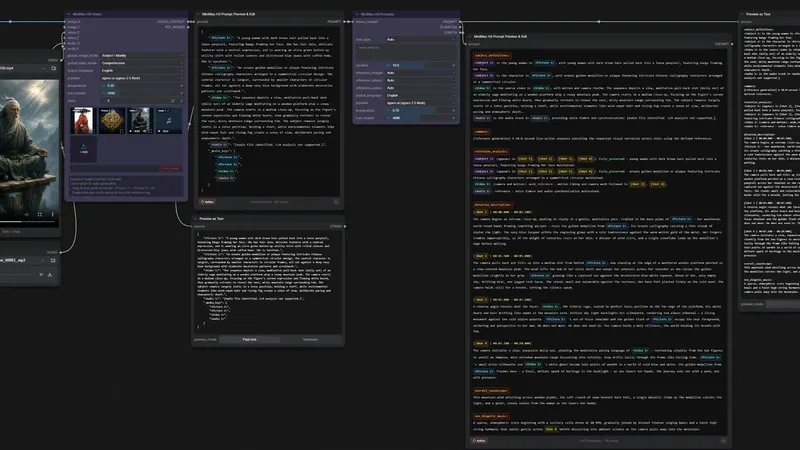
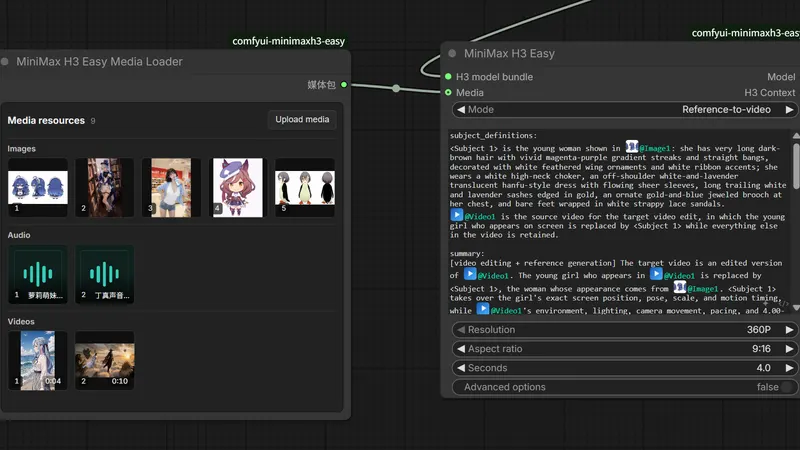
These ComfyUI nodes write MiniMax H3 video prompts for you. H3_Vision reads your images, video and audio once, then H3_Promptor turns that report into a structured prompt. Cloud providers need paid API keys, and local Qwen models need a second node pack.
Best for: Prompt writers who want cinema-style MiniMax H3 prompts without re-reading their media on every run.
Rewritten from the README. Check the repo for the latest steps.
custom_nodes folder and restart ComfyUI.H3_Vision node, connect or drag in your images, videos and audio, then pick a provider.H3_Promptor node, connect the VISION_CONTEXT output, write your scene description and set the duration.task_type on Auto, or force a mode such as L2VA, and choose English or Chinese output.H3_PromptComposer or H3_PromptEditor to refine the prompt before sampling.Other comfyui workflow projects people compare with ComfyUI-MiniMax-H3-Promptor.
nkxx188
A few ComfyUI nodes for MiniMax H3 video, with less hand-wiring
seesee75-commits
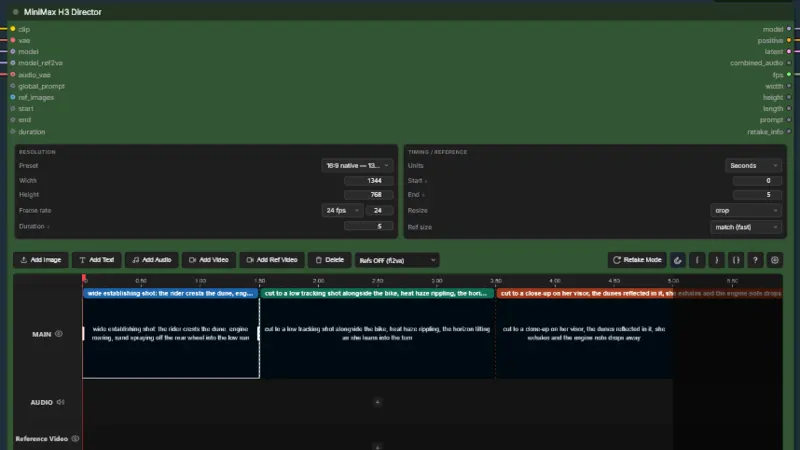
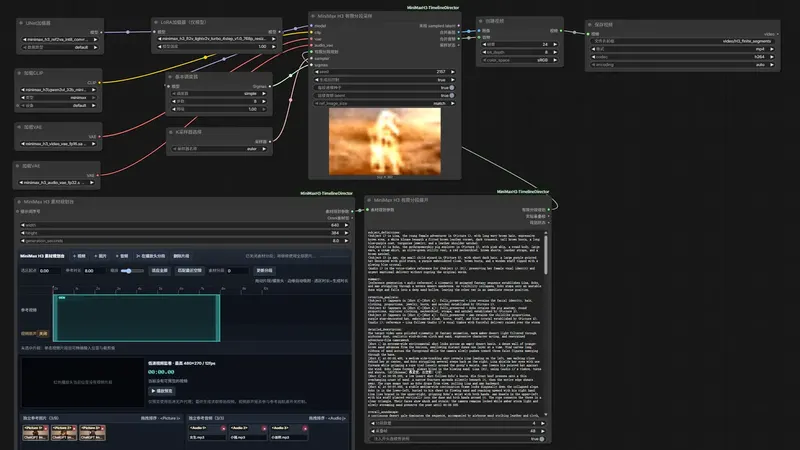
Gives MiniMax H3 a ComfyUI timeline: shots, keyframes, audio
lumosai8
ComfyUI nodes for character and location reference sheets from one camera move
Songssx
ComfyUI nodes for editing a reference-media timeline in MiniMax H3
Do you maintain ComfyUI-MiniMax-H3-Promptor? Add this badge to your README so English speakers can find our write-up.

[](https://openmicrodrama.com/projects/1038lab-comfyui-minimax-h3-promptor)The badge links to this page. Want your description changed? Email support@openmicrodrama.com.
Reviewed Oct 1, 2026. We write these descriptions ourselves. The repo's own docs are the final word.