seesee75-commits
ComfyUI-MiniMaxH3-Director
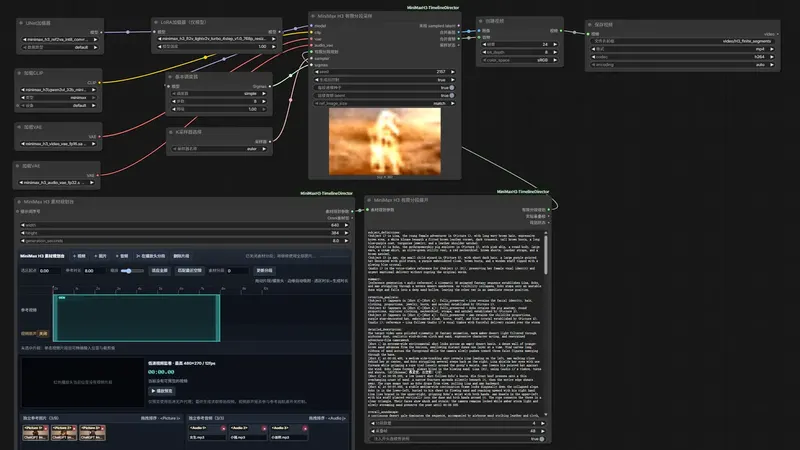
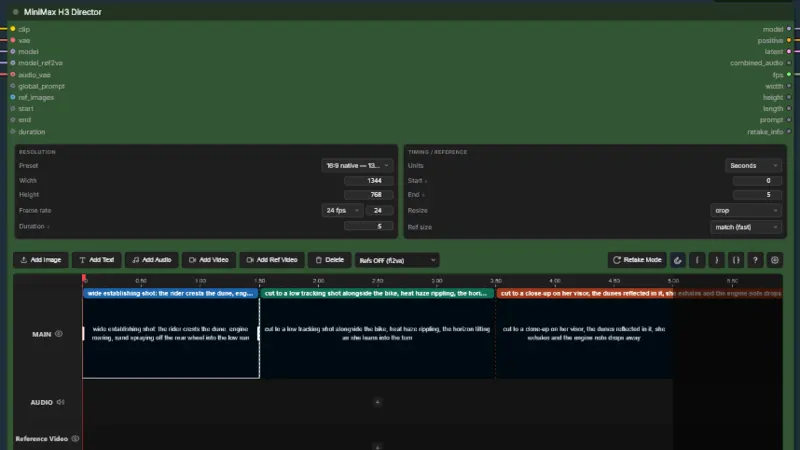
Gives MiniMax H3 a ComfyUI timeline: shots, keyframes, audio
ComfyUI workflow
- MiniMax H3
- Qwen3-VL 32B
- Ollama
- +1
305 GitHub starsyesterdayGPL-3.0
This agent skill acts as your video director: give it a script, and it plans shots and makes character reference sheets. It writes MiniMax H3 prompts and runs them in ComfyUI (a node-based app for AI models). Then it stitches the clips into a Jianying (CapCut's Chinese desktop editor) draft. It needs Windows, an NVIDIA GPU with 12GB+ VRAM (or a cloud GPU) and about 40GB of models.
Best for: People with a strong GPU (or a cloud one) who want to go from a written script to a rough cut of MiniMax H3 clips.
Rewritten from the README. Check the repo for the latest steps.
npx skills add TFboy1/oh-my-minimaxh3-director --skill oh-my-minimaxh3-directorgit clone https://github.com/TFboy1/oh-my-minimaxh3-director.gitreferences/setup-guide.md. Check your GPU with the command below.python scripts/check_hardware.pypython scripts/probe_comfy.py --workspace <workspace root> --writepython scripts/build_workflows.py --project <project dir> --workspace <workspace root>python scripts/submit_jobs.py --project <project dir> --workspace <workspace root>python scripts/monitor_jobs.py --project <project dir> --workspace <workspace root>python scripts/generate_assembly.py --project <project dir> --title <film title>Other video framework projects people compare with oh-my-minimaxh3-director.
seesee75-commits
Gives MiniMax H3 a ComfyUI timeline: shots, keyframes, audio
Songssx
ComfyUI nodes for editing a reference-media timeline in MiniMax H3
phileiny
Cuts a script into MiniMax H3 shots that keep faces moving
hypit-ai
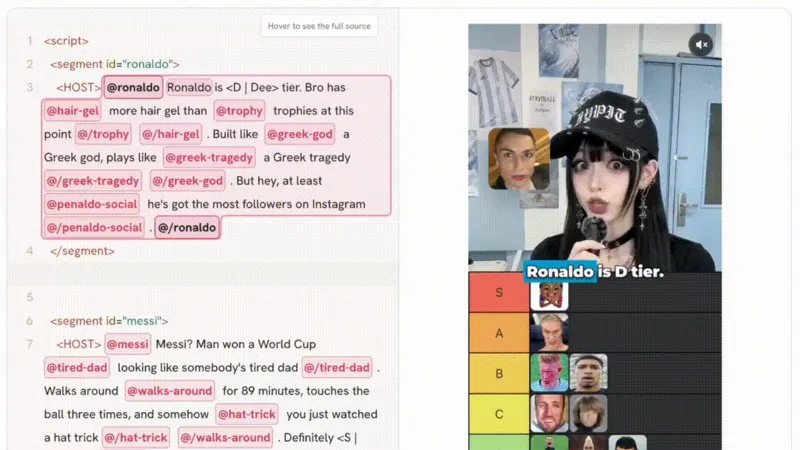
A language that lets your coding agent clone and re-run short videos
Do you maintain oh-my-minimaxh3-director? Add this badge to your README so English speakers can find our write-up.

[](https://openmicrodrama.com/projects/tfboy1-oh-my-minimaxh3-director)The badge links to this page. Want your description changed? Email support@openmicrodrama.com.
Reviewed Oct 3, 2026. MIT covers only the skill code; MiniMax H3 weights use their own community license, and auto-export needs Windows plus Jianying 5.9 or older. No commits since 2026-08-16. We write these descriptions ourselves. The repo's own docs are the final word.