Skip to content

tin2tin /Pallaidium

Blender add-on that runs AI image, video and voice models on your timeline
Video frameworkGPL-3.0English README
Stars
1.6k
30 days
+7
Last push
3 days ago
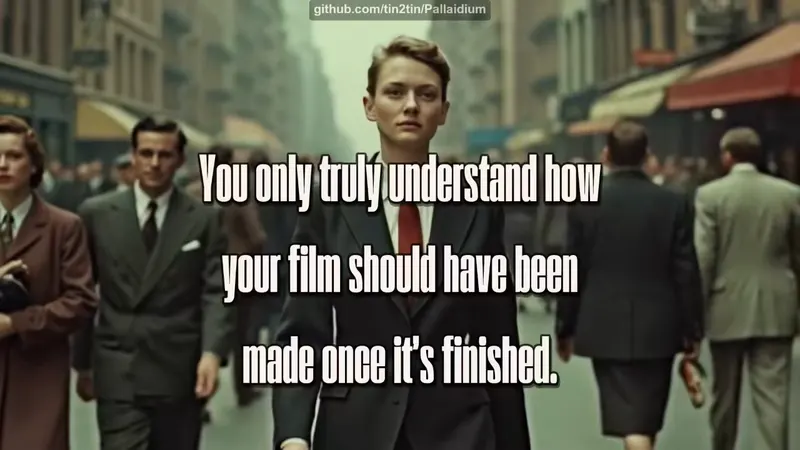
Pallaidium screenshot from its README
From the Pallaidium README on GitHub.

About Pallaidium

Pallaidium is a free add-on that puts AI generation inside Blender's video editor. Type a prompt or pick a strip, and it makes images, video, audio or speech. Results land on your timeline, so you can cut them like any other clip. It needs Windows, a CUDA Nvidia card and a lot of disk space.

Best for: Blender users who want to test AI shots, voices and music on the timeline before shooting for real.

From the Pallaidium README on GitHub. Tap an image to see it full size.

What it does

  • Turns text, images or video strips into images, video, audio, music or speech
  • Connects to ComfyUI, fal.ai or your own server if you don't want to run models locally
  • Adds ControlNet, OpenPose, IP-Adapter face and style, and multiple LoRAs
  • Batches prompts, image refinement, and upscaling of finished movies
  • Queues jobs with PENDING, RUNNING and COMPLETED status, plus stop and cancel
  • Installs its own dependencies in one click and puts seed and prompt in strip names

Quickstart

Rewritten from the README. Check the repo for the latest steps.

  1. 1
    Install git and make sure it's on your PATH
  2. 2
    Download Blender 5.2 or later and unzip it into a folder with no spaces in the path
  3. 3
    Download the add-on zip and install it via Preferences > Add-ons > Install, then enable it
  4. 4
    Click 'Install Dependencies' in the add-on preferences, restart your computer, then open Blender
  5. 5
    Open Sequencer > Sidebar > Generative AI, pick an output and model, type a prompt and click Generate

Models and languages

Models it works with

  • Seedance 2.0
  • Seedance 1.0 Pro
  • FLUX.2 Klein
  • LTX-2.3
  • Nano Banana
  • Qwen
  • Veo
  • MiniMax
  • FLUX dev
  • seed-audio-1.0

Interface and docs

  • English

Alternatives

Other video framework projects people compare with Pallaidium.

Blizaine

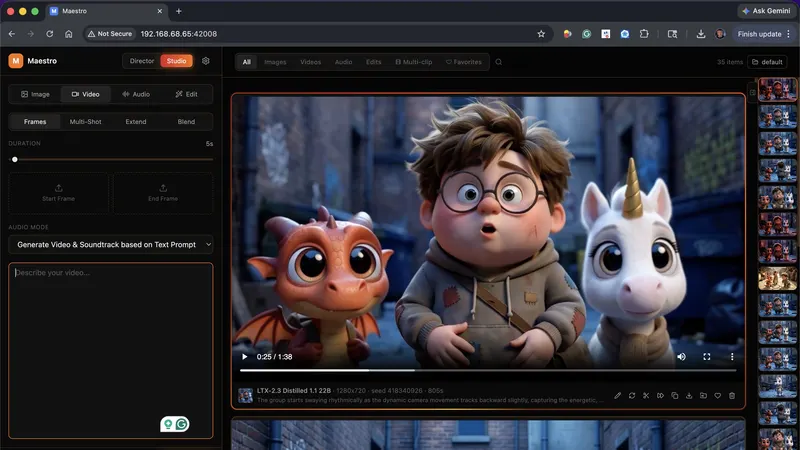
Maestro

One prompt in: a local LLM plans shots, writes lyrics and makes clips

Video framework
  • MiniMax H3
  • LTX-2.5
  • LTX-2.3
  • +7
971 GitHub stars+207/30d7 days agoCustom license
Matticusnicholas

KupkaProd-Cinema-Pipeline

Feed it a prompt or screenplay, get a finished video on your PC

Video framework
  • LTX 2.3
  • Z-Image Turbo
  • Gemma 4 E4B
  • +5
207 GitHub stars+1/30d4 months agoCustom license

calesthio

OpenMontage

Video studio that your AI coding assistant runs

Video framework
  • Google Veo
  • Kling
  • Seedance 2.0
  • +7
81k GitHub stars+12k/30dyesterdayAGPL-3.0

harry0703

MoneyPrinterTurbo

Writes a narrated short video from a topic: script, voiceover, footage, subtitles

Video framework
  • MiniMax H3
  • Seedance
  • Wan
  • +7
144k GitHub stars+12k/30dyesterdayMIT

Featured on OpenMicroDrama

Do you maintain Pallaidium? Add this badge to your README so English speakers can find our write-up.

Featured on OpenMicroDrama
markdown
[![Featured on OpenMicroDrama](https://openmicrodrama.com/badges/featured.svg)](https://openmicrodrama.com/projects/tin2tin-pallaidium)

The badge links to this page. Want your description changed? Email support@openmicrodrama.com.

Reviewed Oct 1, 2026. We write these descriptions ourselves. The repo's own docs are the final word.